

Creating an account
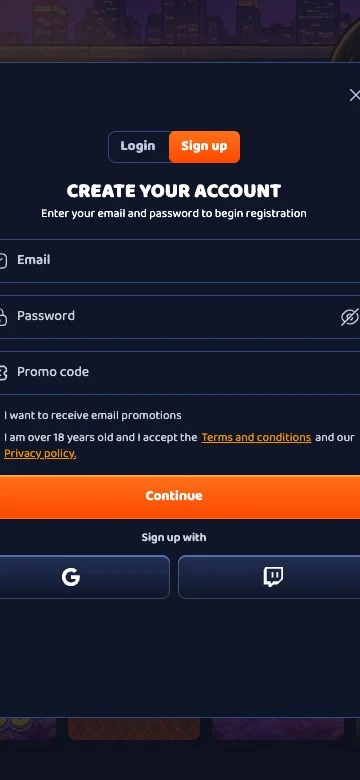
- Open the Sign Up form from the top of the page.
- Enter an e-mail address and a password, or continue with a social login.
- Fill in the personal details exactly as on the identity document.
- Choose the account currency.
- Make a first deposit of €20 or more; the welcome tier is set by the amount.
One account is allowed per person, household, address, e-mail, telephone, device and payment method, and a second account found by any of these is closed. A self-excluded player who opens a new account during the exclusion is banned permanently.
Logging in
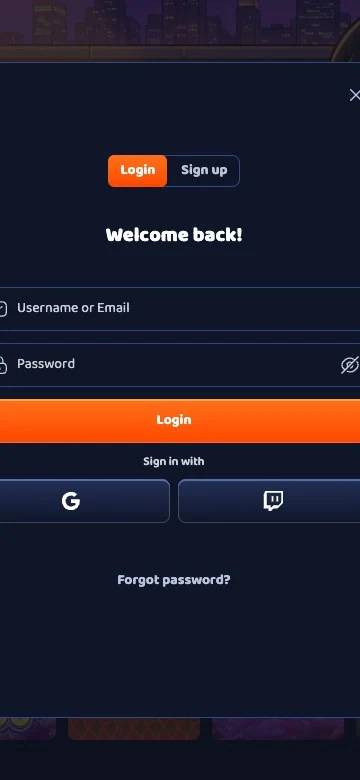
The login form takes the e-mail address or username and the password, and the session is closed from the account menu on a shared computer. A forgotten password is reset from the link on the login form, which sends a message to the registered e-mail address.
- Desktop: the Log In button at the top right of the page.
- Phone or tablet: the same form in the browser.
- Forgotten password: the reset link on the login form.
Verification
| Document | Requirement | Checking time |
|---|---|---|
| Identity | Copy of the passport or driving licence | Up to 24 hours with a complete set |
| Address | Proof of residence issued within the last three months | Up to 24 hours |
| Card | Colour copies of both sides, if a card was used to deposit | Up to 24 hours |
| Source of funds | On request | On request |
Scroll horizontally to see the full table
Documents are sent to kyc@casperbets.com or uploaded from the account, and play can begin before the check, but no withdrawal is approved until it is complete. A set sent in the first week is checked while the welcome pack is being played, so the first payout is not held for the review.
Login problems
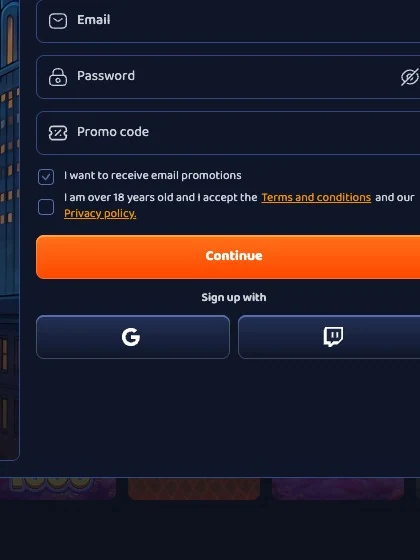
- Forgotten password: the reset link on the form sends a new link to the e-mail address, and the spam folder is checked when it does not arrive.
- Blocked account: several failed login attempts can block the account, and the support chat reopens it after the identity has been confirmed.
- E-mail not received: the address is checked for a typing error, and support resends the message.
- Second account: a duplicate is closed, so the original account is used and reopened through support if needed.
Frequently asked questions
How long does registration take?
A couple of minutes with an e-mail address and a password, or less with a social login.
Is verification needed before playing?
No; play can start at once, but a withdrawal is approved only after the documents have been checked.
Which documents are required?
A copy of the passport or driving licence, a proof of address not older than three months and both sides of the card if one was used.
How long does the check take?
Up to 24 hours when the set is complete, according to the brand's FAQ.
How is a blocked account reopened?
Through the support chat, after the identity has been confirmed.